
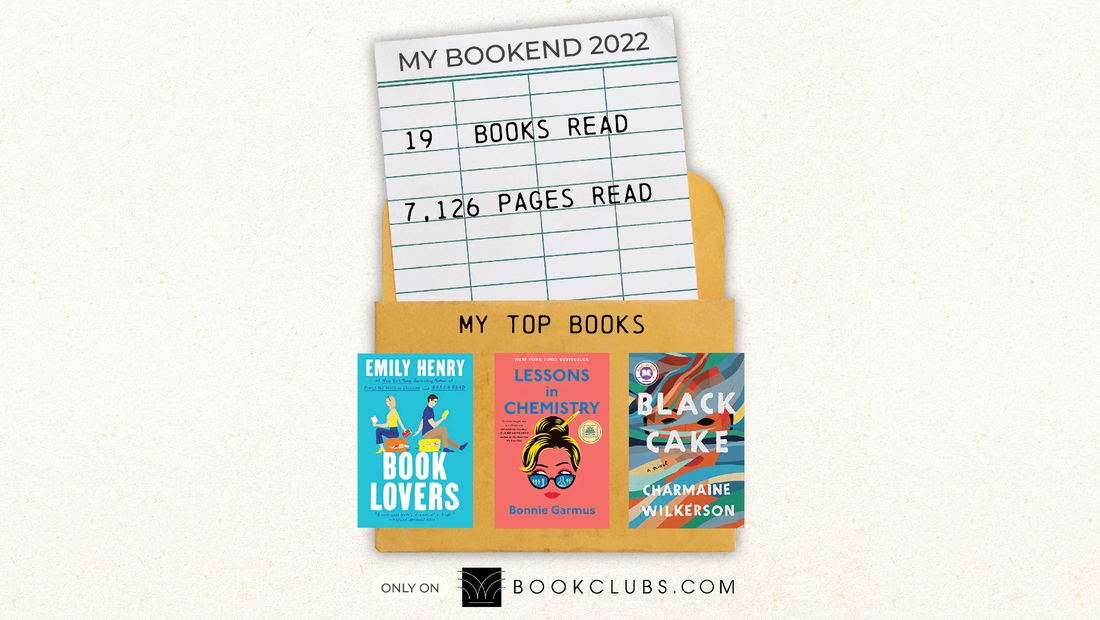
It’s hard to believe that 2022 is almost over. As we get ready to turn the page into 2023, we wanted to take a look back and savor all of the reading we did over the past year.
We’re excited to introduce BOOKEND: Your Year in Books (and Bookclubs!)
How much did you read on Bookclubs? What were your favorite books of the year? Find out by viewing your BOOKEND on your profile page, and then let your friends and family know by sharing your personalized Bookend image on TikTok, Facebook or Instagram.
Your BOOKEND works better on the app – download it today on iOS or Android.

If your BOOKEND doesn’t look right, navigate to your “Books I’ve Read” bookshelf on the website or the app (via “My Books”) and make sure that 1) all the books you’ve read this year are on your bookshelf, with a date read, and 2) that you’ve rated all your books!
It’s easy to add books by clicking on “Add a book.” You can then easily edit the date read, and add a rating and review.
Just starting to track your reading on Bookclubs? You can import multiple books at once from a .csv or .xls file. You can also easily upload an export from your Goodreads account.