
Click here to watch the tutorial six video!
 |
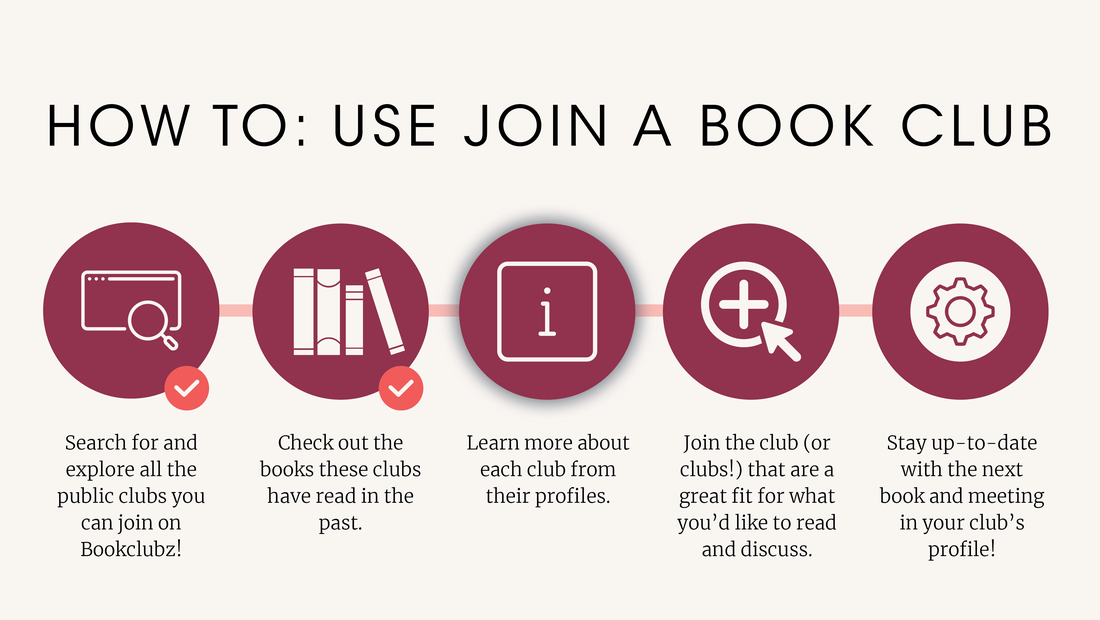
First thing you will want to do is navigate to our Join a Book Club page. You can find this on the top navigation bar. |
 |
Once you click Join a Book Club, you can scroll through the page by clicking on the many different categories including online communities, local communities, themed clubs and many more! You can also use the search bar to find specific clubs by searching by keyword, online by categories, or in person clubs by searching for a specific location. |
 |
Once you find a club you are interested in, if you click on the clubs’ card, you will open up to the clubs profile page. Here you can see what the club has read in the past, the description of the club, social sharing buttons that allow you to share the club, and instructions on how to join the club. Depending on the club, you can either click ‘Join this club’ or email the club admin and ask for the invitation link through email. |
 |
If you click on the join this club option, this will allow you to be added to the club as a new member, and you will then be able to see the club added to your my clubs list. |