

New! Google Sign-In
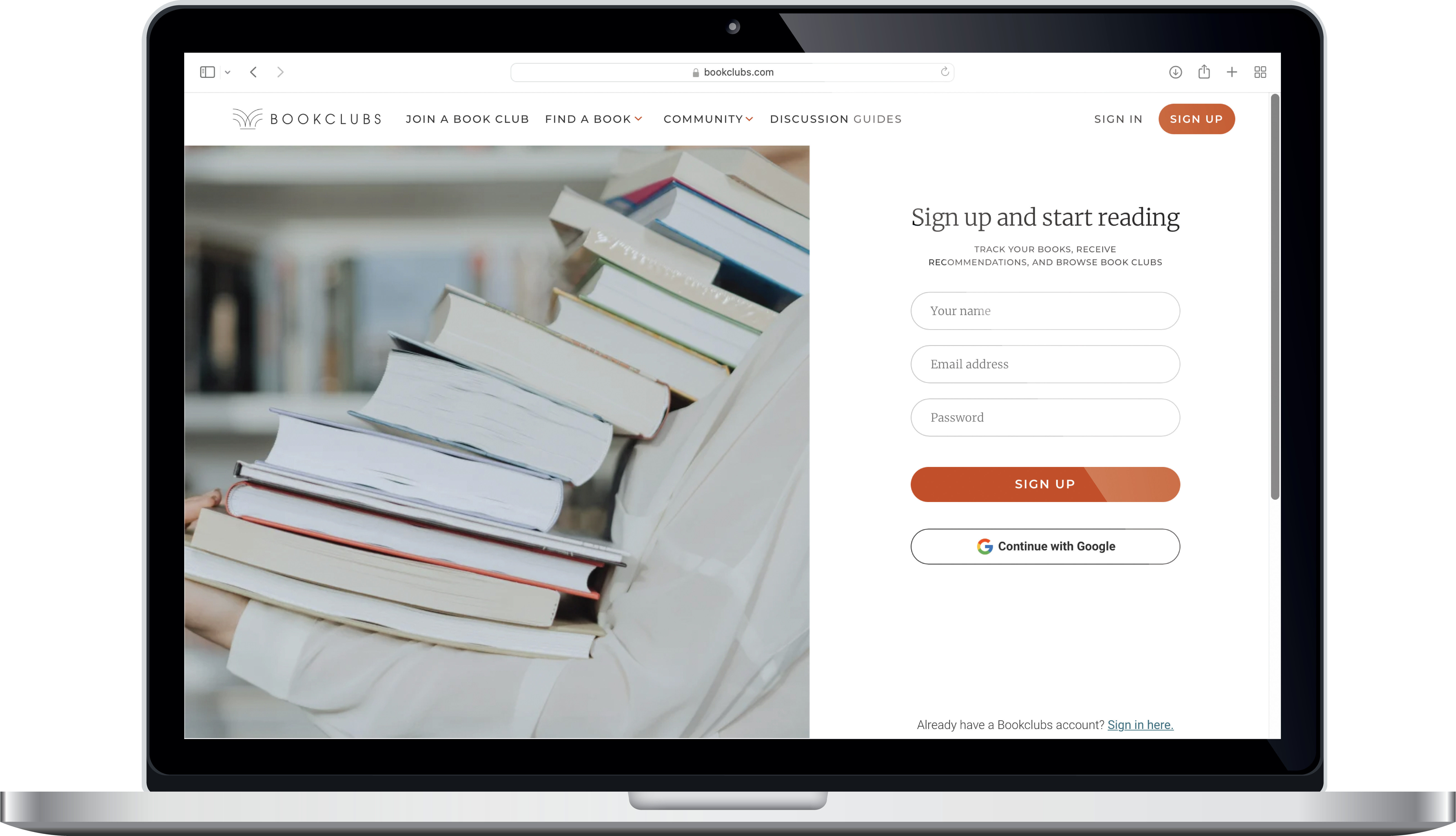
After many requests from users, we’ve implemented Google Sign-in! You can now use your Google account to sign up for or sign in to Bookclubs — and ditch those worries about forgetting another password. Use Google Sign-In to create a new account on Bookclubs.com when you visit the Sign-Up page or use it to link your existing Bookclubs account. To do this, visit the Sign In page and select “Continue with Google.” When prompted, choose the account associated with the email you already use to sign in to your Bookclubs account. That’s it! You’ll now be able to sign in using your email and password, or with Google Sign-In.
New! Updates to “Books I’ve Read”
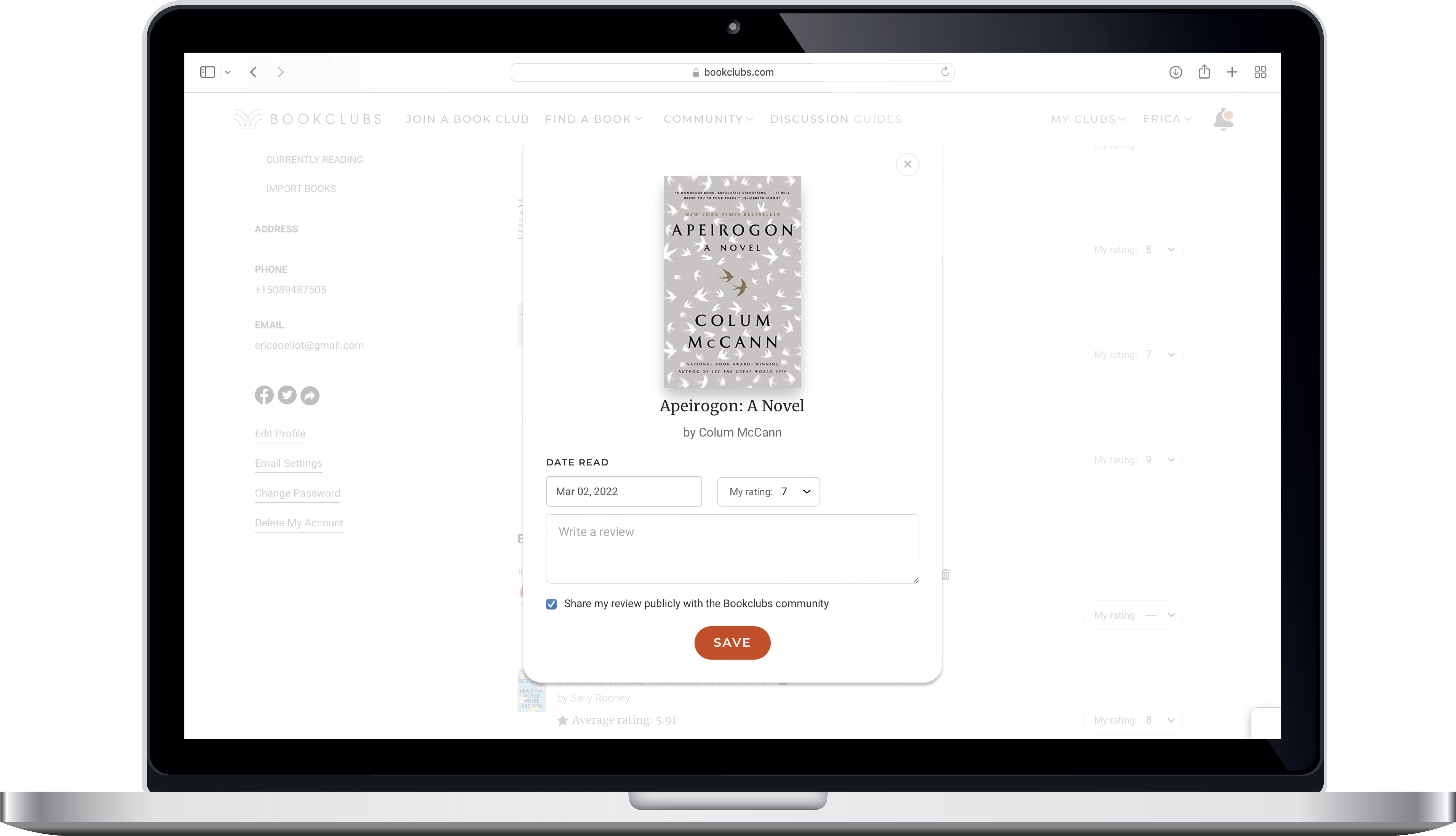
Thanks to more user requests, we’re improving the reading history you can track for books you’ve read in your Bookclubs profile. In addition to adding reviews (that you can keep private or share with the Bookclubs community!), you can also update your book rating and add or edit the “Date Read” for any title in your “Books I’ve Read” list. Navigate “Books I’ve Read” in your profile, select any book, and click “Write a Review.” In the popup box that opens, update the date read, your rating, and add a review (see more about reviews by visiting this blog post). Now it’s time to start the next book in your TBR stack!
Talk to Us!
We're always eager for feedback on how we can improve the Bookclubs site and app. If there’s a feature you think is missing or something that would help your club, reach out to us anytime. We incorporate user feedback into updates to the site and app frequently, and we’d love to learn more about how we can make Bookclubs even better.